
The best Jotform alternatives for surveys and forms in 2026
Jotform is still one of the best-known names in form building. It’s easy to start with, covers a wide range of common use cases, and gives smaller teams a fast way to create online forms without writing code. The problem is that Jotform often starts to feel less flexible once a team grows, a workflow gets more complex, or compliance becomes non-negotiable.
The friction usually shows up in layers rather than all at once.
Jotform’s free Starter plan is capped, its standard plans are single-user, and HIPAA features sit behind Gold or Enterprise. Enterprise is the only multi-user plan, while account usage is governed by separate limits, such as submissions and form views. That combination is exactly why many buyers start looking for a Jotform alternative once they need a more sophisticated tool without overspending.
Below, you’ll find a current comparison of the best Jotform alternatives in 2026, including free and low-cost options, enterprise platforms, HIPAA-compliant solutions, and tools that make more sense for regulated industries.
What is Jotform?
Jotform is a cloud-based no-code form builder used for registrations, surveys, payments, approvals, and general data collection. It offers free and paid plans, but its standard tiers are built around account limits and single-user access, which is why many growing teams eventually start comparing alternatives to Jotform.
Why teams look for alternatives to Jotform
Once you understand what Jotform is built for, the next question is why so many teams outgrow it. In most cases, the answer isn’t that Jotform lacks core form-building features. It’s that pricing, collaboration, and compliance become harder to justify as usage expands.
Jotform’s limits are stacked rather than simple. You’re not only managing how many forms you can publish, but also how many submissions, form views, payment submissions, and other account-wide usage thresholds you can absorb in a billing cycle. Jotform’s own usage guidance explains that these counters reset monthly, which means a busy embedded form can create operational surprises if a campaign or page suddenly performs well.
Collaboration is the second major issue. Jotform states that Enterprise is its only multi-user plan, so a team that wants shared ownership before reaching Enterprise is pushed toward a more awkward setup than most modern SaaS buyers expect.
On top of that, HIPAA features are reserved for Gold and Enterprise, which raises the entry cost sharply for healthcare and other regulated teams. If you need your own infrastructure, Jotform Enterprise offers a dedicated cloud environment and location choice, but not a true self-hosted or on-premise deployment on your own servers.
That mix of limits, single-user plans, and cloud-first deployment is why the comparison matters so much. Before looking at each platform in depth, it helps to see the market side by side.
Jotform alternatives comparison
The table below reflects public pricing, packaging, and deployment information from each vendor’s official site as of March 31, 2026. Some vendors localize pricing by country, so a few entries are shown as region-based or included with a wider suite.
The best choice depends less on who has the longest feature list and what problem you’re trying to solve.
Some teams need a free form builder for basic data collection, some need market research tools, and others need stricter compliance, better governance, or deeper control over hosting. With that in mind, here’s a closer Jotform alternatives comparison by real use case.
The best Jotform alternatives
Once the table narrows the field, the next step is understanding which tool actually fits your workflow, budget, and risk profile.
The best Jotform alternatives
Once the table narrows the field, the next step is understanding which tool actually fits your workflow, budget, and risk profile.
Checkbox
Checkbox is the strongest Jotform alternative for organizations that have outgrown lightweight form building and need a platform they can control.
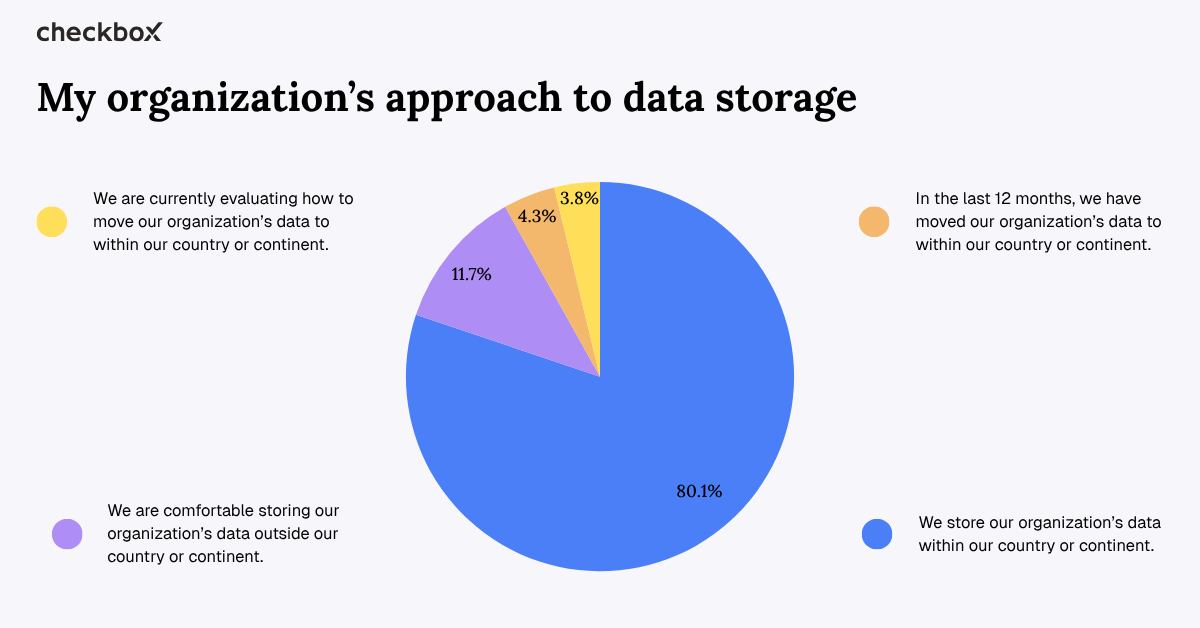
Its biggest differentiator is flexible hosting: Checkbox publicly offers deployment in four global data centers or self-hosting on your own servers. For teams with strict data residency, governance, or procurement requirements, that puts Checkbox in a different category from most cloud-only form builders. Our recent data residency survey revealed that organizations were concerned with where their data was stored, so Checkbox offers a solution to this question.
It is also one of the clearest fits for regulated industries. Checkbox enables companies to build CAHPS and HIPAA-compliant surveys, and the platform combines that with a no-code WYSIWYG editor, advanced survey logic, white-label branding, REST API and webhooks, campaign delivery, and follow-up reminders. Checkbox also emphasizes expert support rather than a self-serve-only model.
Who it’s for
Checkbox is best for teams in healthcare, legal, government, financial services, and enterprise environments that need data sovereignty, HIPAA compliance, on-premises deployment, advanced survey logic, or stronger control over branding and data ownership.
Pros
- Flexible hosting, including SaaS in multiple regions and on-premise deployment
- Strong fit for regulated industries with HIPAA-compliant healthcare surveys and CAHPS support
- Advanced survey logic, branching, and white-label branding
- REST API and webhooks for integration with the rest of your tech stack
- Real human support
- Built for organizations that need governance, security, and long-term reliability
Cons
- Not positioned as a free, lightweight form builder for casual use
- More capability than smaller teams may need for basic contact forms or simple data collection
- Best value comes when you need advanced features, compliance, or deployment flexibility
Key features
- On-premise and cloud hosting
- HIPAA-compliant surveys
- No-code WYSIWYG builder
- Advanced survey logic
- White-label customization
- REST API and webhooks
- Campaign delivery by email and SMS
- Respondent tracking and reminders
Google Forms
Google Forms remains one of the simplest alternatives to Jotform when speed and cost matter more than advanced features. One of its most practical advantages is how smoothly responses move into Google Sheets for analysis and collaboration.
For internal questionnaires, registration forms, and basic data collection, it is still hard to beat when it comes to convenience.
The trade-off is scope. Google Forms can handle response validation and straightforward branching, but is best thought of as a lightweight form builder rather than a platform for heavily branded customer-facing programs, advanced customization, or strict compliance workflows. In practice, it works best when the goal is to create forms quickly, gather responses, and move on.
Who it’s for
Google Forms is best for internal surveys, contact forms, event registrations, and teams already working inside Google Workspace.
Pros
- Free to use
- No complicated setup
- Responses feed directly into Google Sheets
- Easy for teams already using Google Workspace
- Good for basic data collection and internal workflows
Cons
- No payment collection
- Limited form design and branding
- Basic conditional logic only
- Not built for regulated industries or sensitive data
- Not ideal for complex forms or advanced survey logic
Key features
- Free plan
- Google Sheets integration
- Basic conditional logic
- File uploads
- Mobile responsive forms
- Easy sharing and embed forms
Typeform
Typeform is built around conversational forms, and that one-question-at-a-time experience is still its main selling point.
Its reporting tools highlight completion rates, question drop-off analysis, and performance insights, making it especially attractive for lead generation, customer feedback, and campaigns where form design has a direct effect on conversion.
Pricing is where Typeform becomes harder to justify for high-volume use. Its entry-level paid plans are designed for lower response volumes than many teams expect, and the free plan is deliberately limited.
Typeform now also offers HIPAA support through higher custom tiers, but it’s still not the most practical option for organizations that need stronger hosting control or predictable large-scale usage.
Who it’s for
Typeform is best for marketing teams, customer experience teams, and businesses that care deeply about completion rates, conversational forms, and polished lead capture experiences.
Pros
- Strong form design and user experience
- The one-question-at-a-time layout can improve completion rates
- Useful analytics around drop-off
- Visual logic builder
- Well-suited to lead generation and customer feedback
Cons
- The free plan is very limited
- Paid plans can become expensive for meaningful data collection
- Not ideal for unlimited forms and submissions
- Less suitable for enterprise governance or self-hosting needs
- HIPAA access is not available on standard lower tiers
Key features
- Conversational forms
- Visual logic builder
- Drop-off analytics
- Lead capture tools
- Custom branding
- Multi-page forms
- Embedded forms
SurveyMonkey
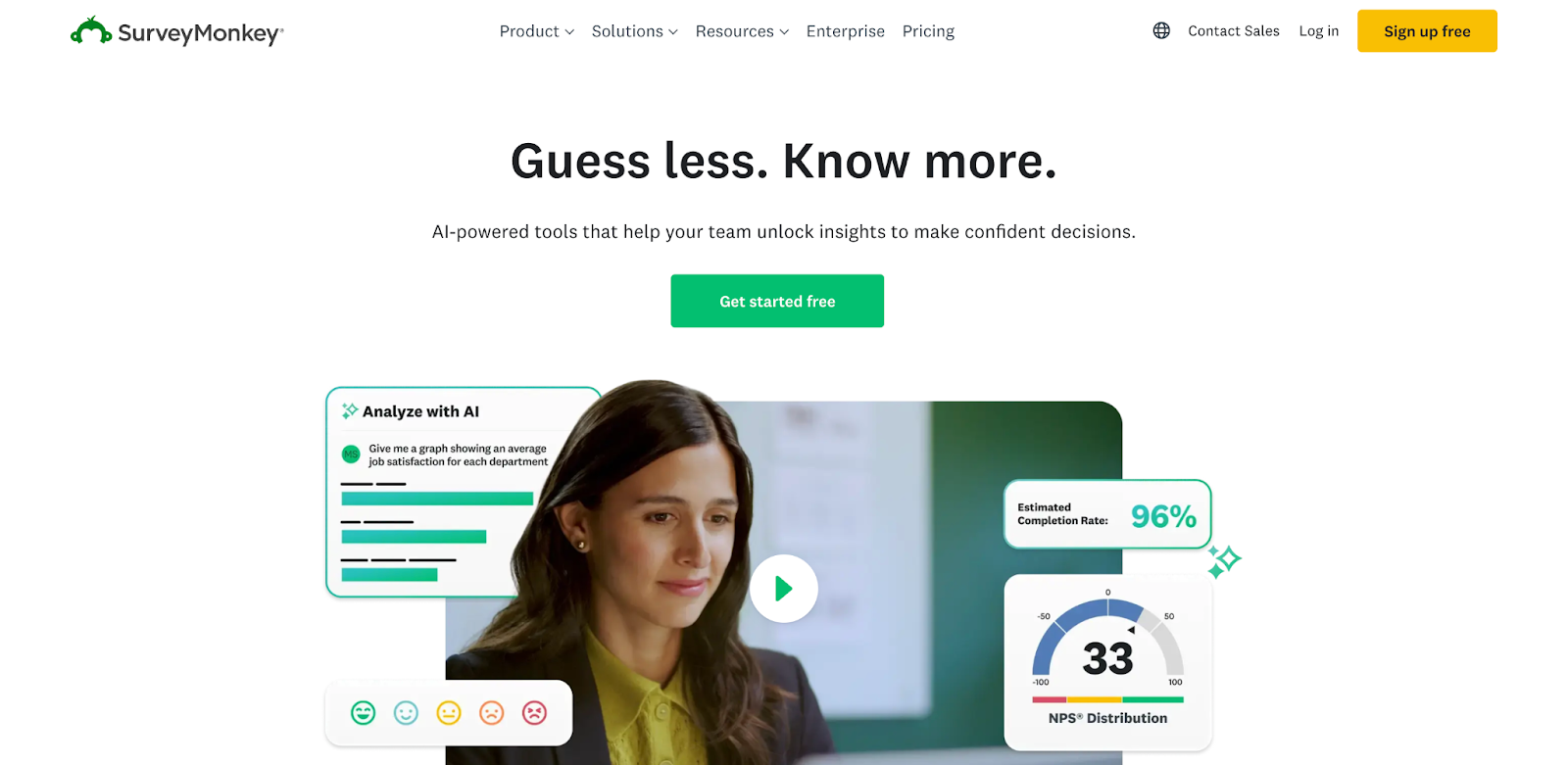
SurveyMonkey is less of a general-purpose form builder and more of a research platform. Its feature set leans heavily into audience targeting, a large question bank, AI-assisted analysis, thematic analysis, crosstabs, and statistical significance testing. That feature set gives it more depth than many other tools when the goal is structured research rather than lightweight form submission.
At the same time, SurveyMonkey is not the cheapest option when it comes to survey software. Free access is useful for getting started, but serious research teams will usually end up on a paid tier quickly.
HIPAA is reserved for Enterprise, which narrows its appeal for smaller healthcare organizations.
Who it’s for
SurveyMonkey is best for HR, market research, and insights teams running structured studies rather than everyday form creation.
Pros
- Strong research and analytics capabilities
- Good template library and question bank
- Useful for structured studies and benchmarking
- Statistical significance testing and analysis tools
- Trusted, well-known platform
Cons
- The free plan is restrictive
- Paid plans are expensive compared with simpler form builders
- HIPAA is only available on Enterprise
- Less appealing for simple internal forms or low-cost form building
- No self-hosting option
Key features
- Question bank
- Research templates
- Audience targeting
- Text analysis
- Statistical significance testing
- Crosstabs and reporting
- Team collaboration on higher tiers

Microsoft Forms
Microsoft Forms is a simple, lightweight option for organizations already committed to Microsoft 365. It integrates naturally with Teams, SharePoint, Excel, and the wider Microsoft stack. That makes it a sensible choice for internal feedback, quick polls, quizzes, and lightweight operational forms.
The limitation is that Microsoft Forms is not trying to be an advanced external-facing survey platform. It’s useful when simplicity is the goal, but less so if you need advanced logic, stronger branding, payment collection, or more specialized compliance workflows.
Who it’s for
Microsoft Forms is best for Microsoft 365 organizations that need quick internal feedback tools and simple form creation inside an existing M365 environment.
Pros
- Included with Microsoft 365
- Easy to use
- Strong integration with Teams and SharePoint
- Good for internal workflows and employee feedback
- Familiar interface for Microsoft users
Cons
- Not ideal for external-facing surveys
- No payment collection
- Limited advanced logic and customization
- Not built for strict compliance workflows
- Less useful outside the Microsoft ecosystem
Key features
- Microsoft 365 integration
- Teams and SharePoint compatibility
- Quizzes and polls
- Excel exports
- Internal collaboration
- Simple drag and drop builder
Tally
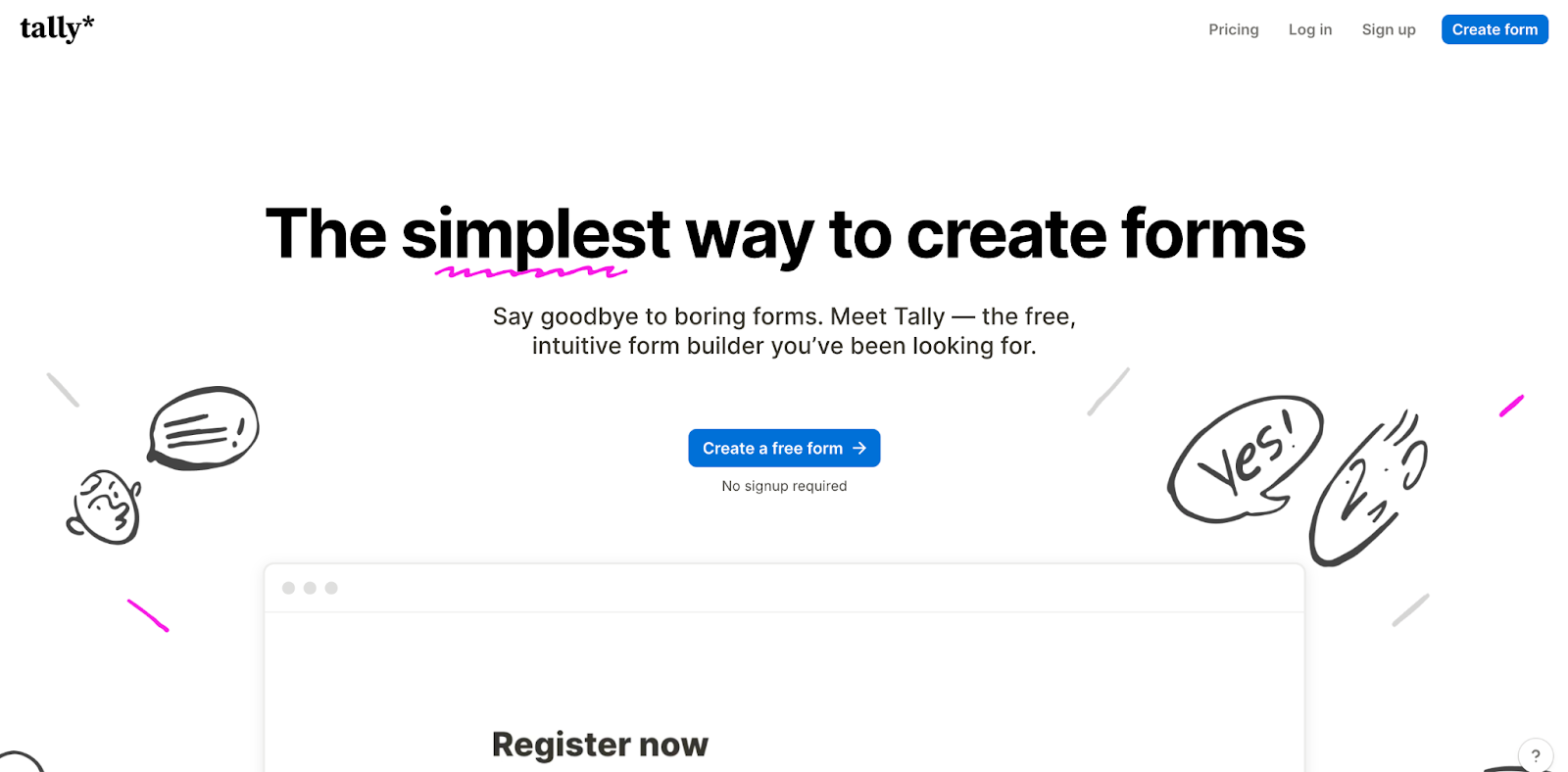
Tally has become a popular free Jotform alternative because it keeps the builder simple while making the free plan unusually generous.
It offers unlimited forms and unlimited submissions within fair use, along with features like payments, file uploads, signatures, and conditional logic that many other tools reserve for paid tiers.
That generosity is why Tally appeals so strongly to creators, consultants, and bootstrapped startups. The compromise is that Tally is still a lighter platform than enterprise buyers usually need. You can do a lot with it, but if you need complex governance, deeper admin controls, or self-hosting, you will reach the edge of what it is meant to do.
Who it’s for
Tally is best for indie creators, consultants, solopreneurs, and startups that want a clean, modern builder with unlimited forms and submissions on a generous free plan.
Pros
- Generous free plan
- Unlimited forms and submissions under fair use
- Clean, modern editing experience
- Supports Stripe payments, file uploads, and conditional logic
- Great for small businesses and bootstrapped teams
Cons
- No self-hosting option
- Limited enterprise features
- Not designed for highly regulated industries
- Less suitable for complex workflows at scale
- Governance and admin controls are lighter than enterprise tools
Key features
- Unlimited forms
- Unlimited submissions
- Conditional logic
- Payment collection
- File uploads
- Signatures
- Custom domains on paid plans
- Notion-style editor
Formstack
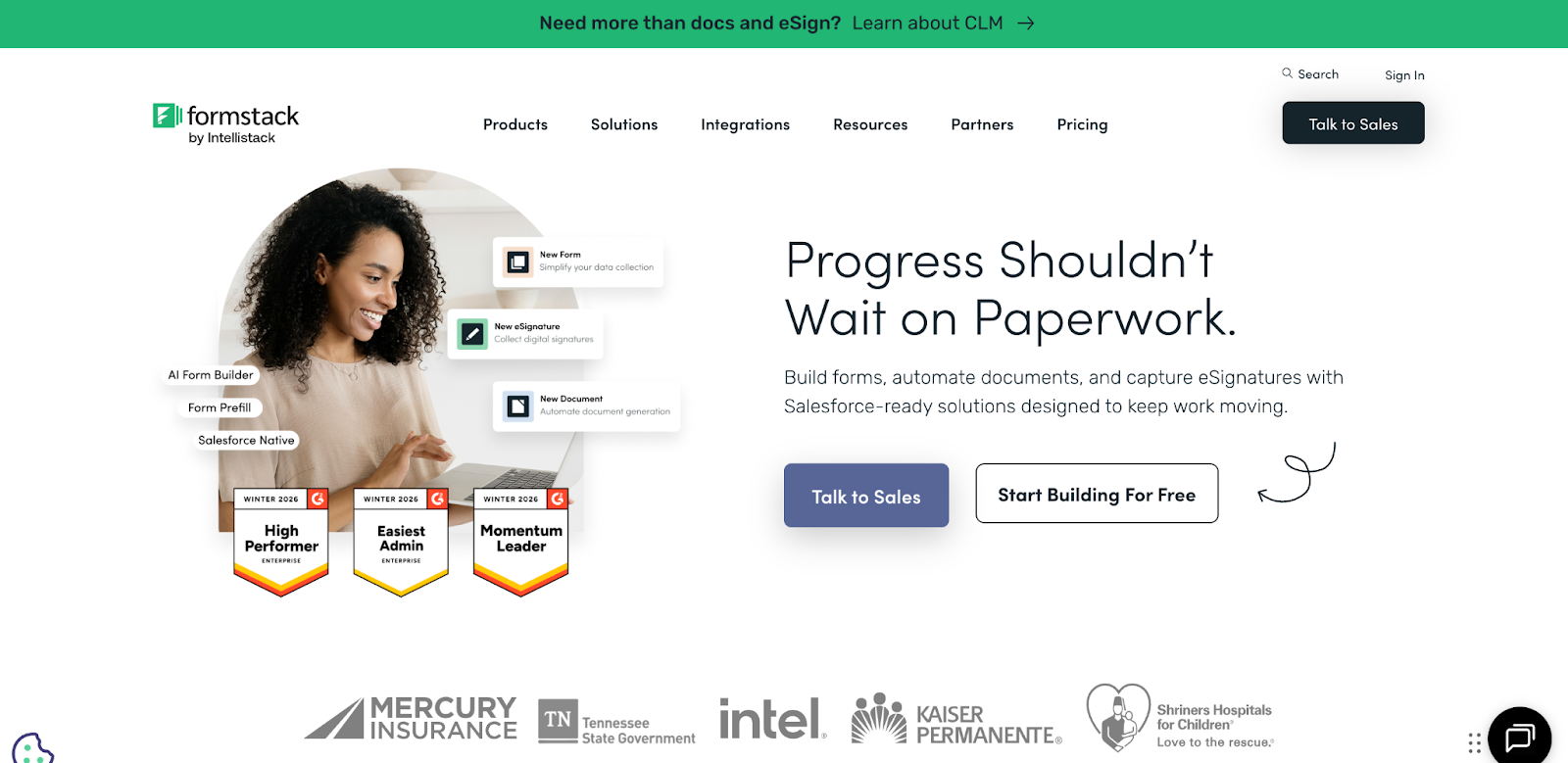
Formstack is one of the strongest enterprise-grade alternatives to Jotform for teams that need form building plus workflow automation.
Its product suite emphasizes approvals, document generation, eSignature, and HIPAA-supporting features, making it better suited to complex workflows than lighter tools focused mainly on survey creation.
The trade-off is price.
Formstack sits well above entry-level form builders, so it makes the most sense for teams that actually need approval workflows, follow-up tasks, generated documents, and stronger governance. For smaller organizations that simply want more generous form submission limits, it can feel like too much platform for the use case.
Who it’s for
Formstack is best for larger organizations that need secure form building tied to document generation, approval workflows, and process automation.
Pros
- Strong workflow automation
- HIPAA-supporting capabilities
- Document generation and eSignature tools
- Useful for complex internal processes
- Better suited to regulated industries than many lighter tools
Cons
- Higher price point
- No free plan
- No on-premise deployment
- May be overkill for basic data collection
- Better for workflows than for simple and free-form builder use cases
Key features
- Approval workflows
- Document generation
- HIPAA-friendly forms
- Workflow automation
- eSignature
- Integrations with third-party tools
- Secure form submission handling
Fillout
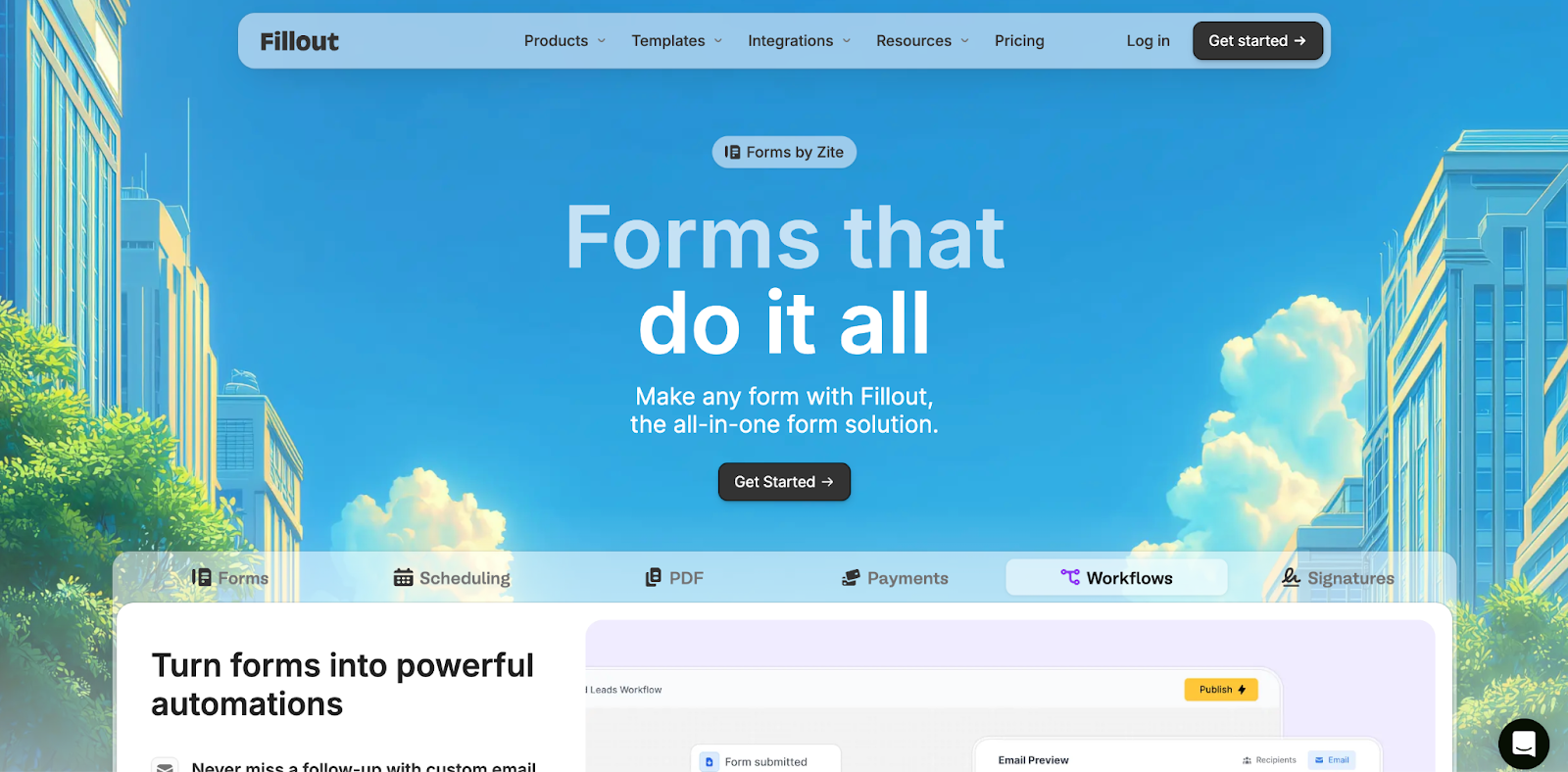
Fillout is one of the strongest modern alternatives to Jotform for teams that want form data connected directly to structured systems. Its pricing is more generous on collaboration than many competitors, and its integrations center around Airtable, Notion, webhooks, and other operational tools.
That makes Fillout especially compelling for product, operations, and internal tools teams. It feels more database-aware than Jotform, and it is often a better fit when the goal is not just collecting responses, but updating records and triggering workflows.
For stricter compliance-sensitive use cases, teams should still confirm exactly which plan includes the controls and agreements they need.
Who it’s for
Fillout is best for product teams, operations teams, and businesses that need form data to flow directly into Airtable, Notion, or other structured databases without custom development.
Pros
- Generous free plan
- Strong database integrations
- Unlimited seats on paid plans
- Good for operational workflows and structured data collection
- Cleaner collaboration model than many per-user tools
Cons
- No self-hosting option
- Less established as an enterprise survey brand than some competitors
- Compliance-sensitive teams need to verify plan requirements carefully
- Better for connected workflows than traditional research-heavy use cases
Key features
- Airtable integration
- Notion integration
- Webhooks
- Unlimited forms
- Structured database-connected workflows
- Conditional logic
- Team collaboration
- Secure form handling on higher tiers
Zoho Forms
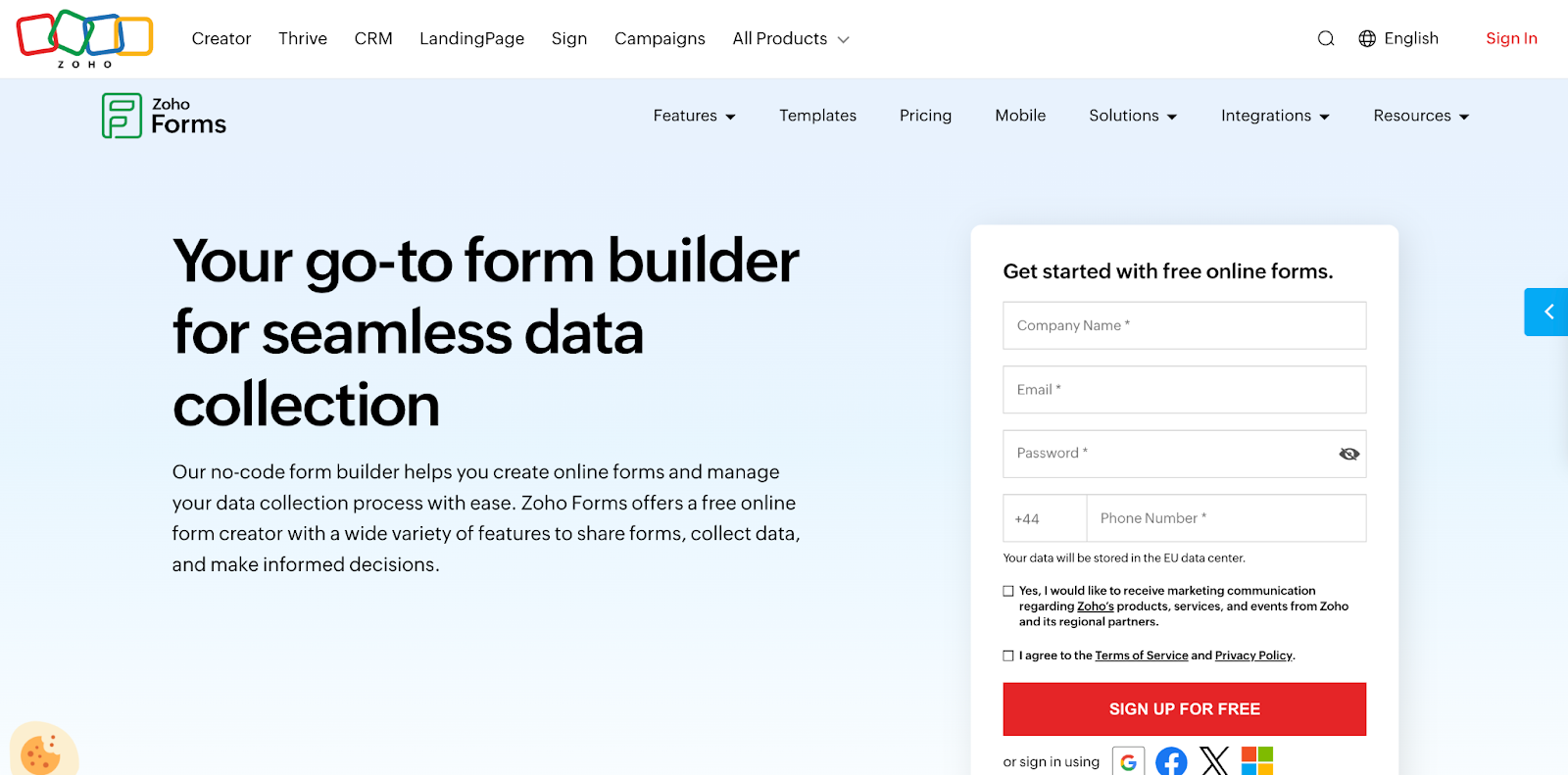
Zoho Forms makes the most sense when you are already committed to the Zoho ecosystem. It emphasizes native integrations across Zoho apps, webhooks, payment gateways, and mobile-responsive forms, and its higher tiers add approvals, audits, and compliance features that smaller form builders often skip.
Even with those strengths, the main buying case is still ecosystem fit. If you already use Zoho CRM or related tools, Zoho Forms is a value-oriented option. Outside that stack, other tools usually feel more specialized or easier to justify.
Who it’s for
Zoho Forms is best for teams already using Zoho CRM or other Zoho products and looking for an affordable way to manage forms within that environment.
Pros
- Affordable starting price
- Strong native integration with Zoho products
- Useful for businesses already in the Zoho ecosystem
- Supports payment gateways and workflow tools
- Mobile responsive forms
Cons
- Limited appeal outside the Zoho ecosystem
- No self-hosting option
- Less compelling for advanced research or enterprise survey programs
- User experience may feel less polished than some modern competitors
Key features
- Zoho ecosystem integrations
- Payment gateways
- Approval workflows
- Mobile responsive forms
- Webhooks
- Form templates
- Audit and compliance tools on higher tiers
HIPAA-compliant Jotform alternatives
When protected health information is involved, convenience stops being enough.
HHS guidance makes clear that HIPAA-covered entities and business associates need the right administrative, technical, and contractual safeguards in place, including access controls and the right agreements with vendors.
Jotform can support HIPAA workflows, but only at the higher end of its packaging. HIPAA features are available on Gold and Enterprise, while Enterprise is also the only multi-user plan. For smaller healthcare organizations, that often means paying for more than they actually want just to unlock the compliance baseline.
Checkbox is the strongest option in this category because it combines HIPAA and CAHPS support with deployment flexibility. We offer HIPAA-compliant healthcare surveys, and you can self-host on your own servers.
For clinics, healthcare providers, government organizations, and legal teams that want the tightest control over sensitive data, Checkbox is the most complete HIPAA-focused Jotform alternative in this list.
For most smaller healthcare teams, the practical question is not only whether a vendor can support HIPAA, but how much control you retain along the way. That’s where Checkbox stands out most clearly: with flexible hosting, we give regulated teams the option to keep survey infrastructure under their own control instead of relying on a compromise.
Final thoughts
Jotform still works well for straightforward form building, but once you run into stacked usage limits, single-user standard plans, or compliance requirements that force you onto Gold or Enterprise, the value equation changes quickly.
The best Jotform alternative depends on what you need next. Google Forms and Tally are strong for low-cost simplicity. Typeform is strong for conversational forms and lead generation. SurveyMonkey is strong for structured research. Fillout is strong for database-connected workflows. Formstack is strong for automation-heavy processes. But for teams in healthcare, government, legal, and enterprise environments that need flexible hosting, deeper governance, HIPAA support, and a no-code platform they can fully brand and control, Checkbox is the strongest overall fit.
If your organization has reached the point where “good enough” form software is starting to create operational risk, the next step is simple: request a Checkbox demo and map your survey, intake, or compliance workflow against a platform designed for more control.
Jotform alternative FAQs




Contact us
Fill out this form and our team will respond to connect.
If you are a current Checkbox customer in need of support, please email us at support@checkbox.com for assistance.
