
The best survey software for small businesses: 8 top tools
Small businesses are often at their strongest when they can make quick, informed decisions and stay close to their customers and teams. Survey software supports that by making it easier to gather feedback, uncover opportunities, and improve products, services, and experiences with confidence.
Done well, running surveys and questionnaires gives you a fast, low-friction way to gather feedback, spot patterns, and respond before problems become expensive.
For a small business owner, the challenge is finding a survey tool that's affordable, easy to use, and robust enough to do more than send a basic form. The best survey software for small business users should help you collect responses, understand what they mean, and act on them.
This guide compares the best survey software for small business teams, from free staples like Google Forms and Microsoft Forms to more advanced survey platforms such as SurveyMonkey, Typeform, Zoho Survey, and Checkbox. The goal is to help you make a confident decision without spending weeks trialing every option yourself.
What survey software does for small businesses
Survey software helps small businesses turn everyday interactions into usable data. You can use it to:
- Measure customer satisfaction after a purchase
- Check whether a service change actually improved the experience
- Run lightweight market research before launching something new
- Collect employee feedback before small frustrations become bigger retention problems
It can also handle practical workflows such as lead capture, registrations, follow-up forms, and post-event surveys, meaning the line between survey tools and form builders has become much thinner.
What separates useful survey software from form builders is what happens after the response comes in. A small business does not need more data for its own sake. It needs feedback that can be sorted, filtered, and understood quickly enough to influence a real decision. Features such as skip logic, real-time reporting, alerts, and integrations have real value here.
What to look for in small business survey software
Affordability matters when it comes to small business survey software, but so does the structure of the pricing. A free plan can look attractive until you hit a response cap, lose access to branding, or discover that the reporting you need sits behind a higher tier.
For small businesses with low survey volumes, free tools make sense. For businesses running recurring customer feedback, employee engagement, or market research programs, value usually matters more than headline price.
Ease of use is just as important. Most small businesses do not have a dedicated insights team, so survey creation needs to be fast and intuitive. A drag-and-drop survey builder, customizable survey templates, and a clean user interface reduce the time between identifying a question and getting real answers back. If your first survey feels like a side project that needs too much setup, the platform probably is not the right fit.
Question depth is another dividing line. Basic multiple-choice surveys are enough for some jobs, but more effective survey software provides you with question branching, skip logic, piping, and conditions that let the survey adapt to the respondent.
These logic elements keep the experience shorter and more relevant, which usually improves completion rates and data quality. On the distribution side, it helps to have more than one way to collect responses, as this can also help enhance response rates, according to research. Email is the default for many teams, but the best survey tools also let you embed surveys on your own website, share by link, use QR codes, post to social channels, and, in some cases, send by SMS.
Reporting and data analysis are where many small businesses outgrow lightweight tools. Built-in charts, filters, and real-time dashboards make it easier to analyze survey data without exporting everything into another system. Integrations matter for the same reason. Survey data becomes much more useful when it can move into a CRM, an email marketing platform, Google Sheets, Airtable, or a Zapier workflow without manual work.
Security and branding deserve more attention than they often get.
If you handle employee, client, patient, or customer data in the UK or EU, GDPR compliance and clear data handling controls should be part of the buying decision, not an afterthought. And if the survey looks generic or off-brand, respondents notice. Custom branding and white labeling can make a survey feel like a natural part of your business rather than a bolted-on tool.
The best survey software for small businesses
With the criteria above in mind, here is how the shortlist compares when you look at real-world fit rather than feature lists alone.
Checkbox
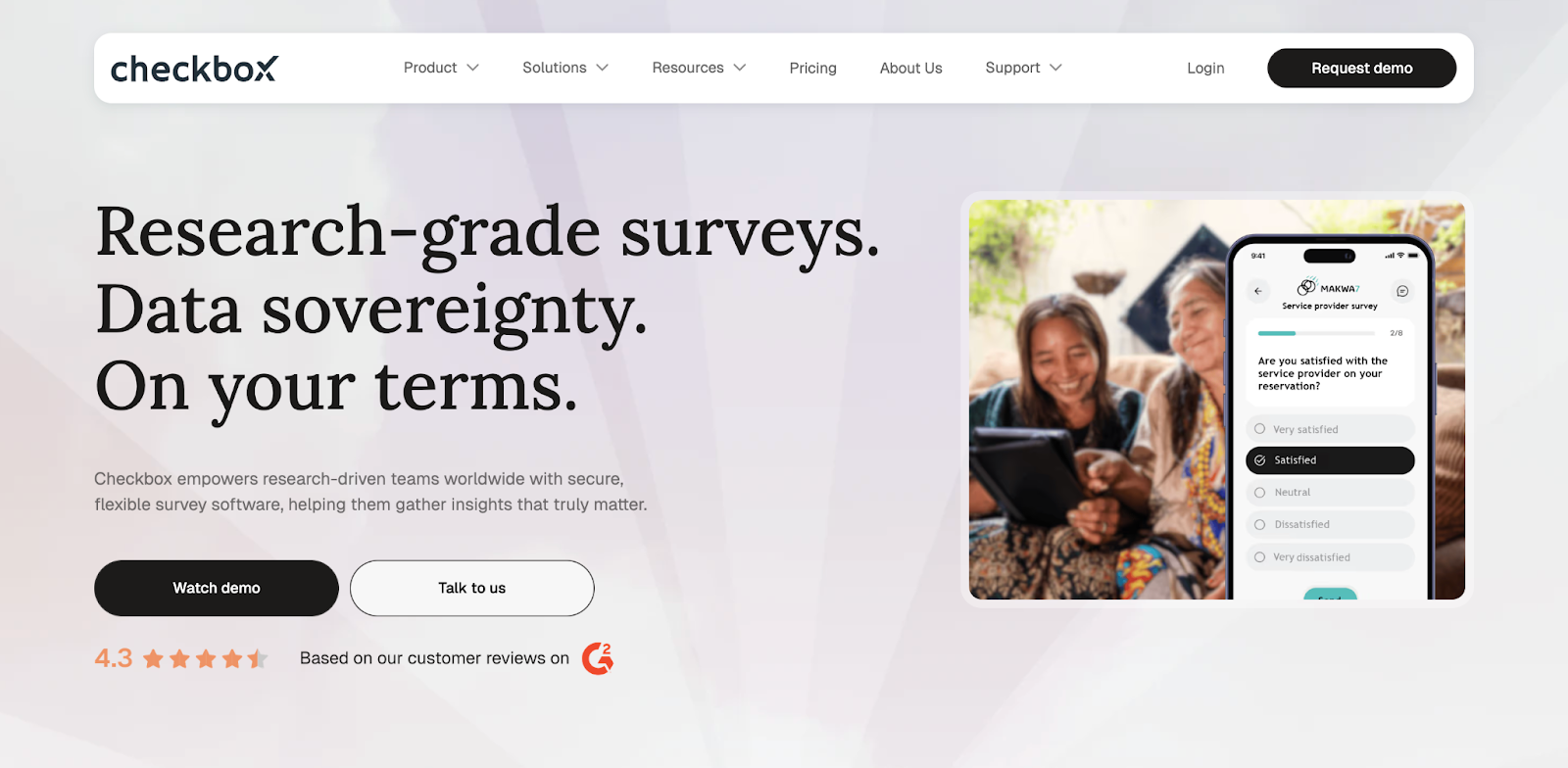
Best for: Small businesses that want a more robust survey platform with room to grow, especially if branding, security, automation, and actionability matter as much as collecting responses.
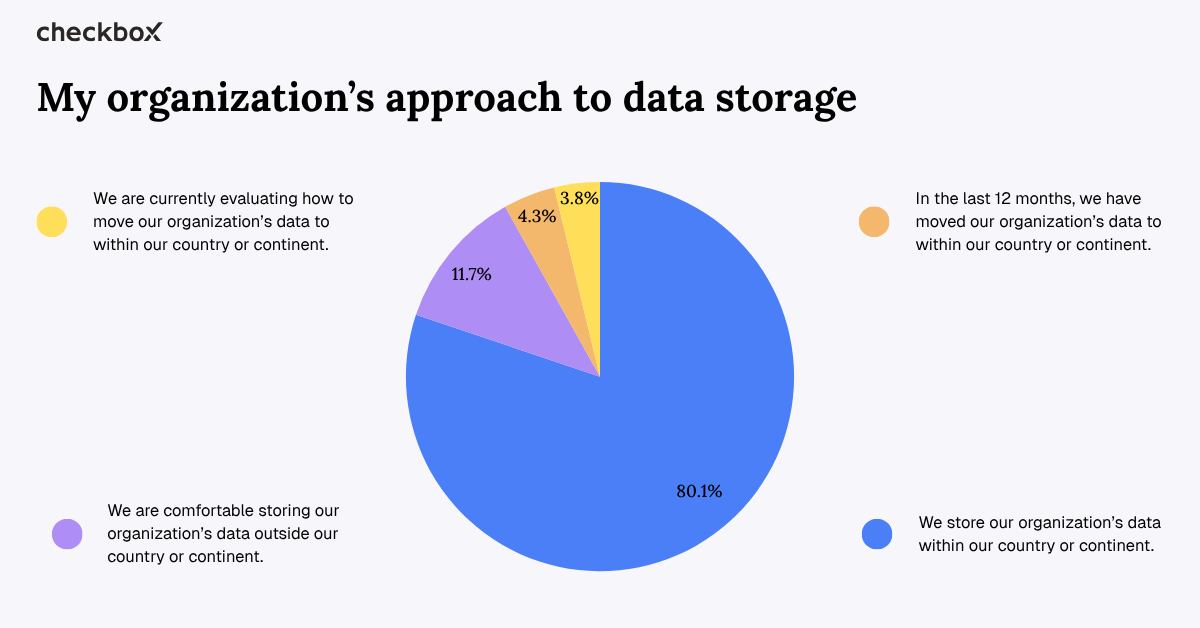
Pros: Checkbox survey software stands out because it combines no-code survey creation with advanced logic, strong branding controls, analytics, and broad distribution options. It supports integrations through webhooks and REST API, and offers more flexible deployment choices than most tools in this size bracket, making it a stronger fit for small businesses that don't want to hit a ceiling in six months and need to comply with strict industry regulations. In our recent data residency survey, we found out that where they store their data is a growing concern for businesses of all sizes
Cons: It's a more sophisticated platform than the average microbusiness needs for a one-off form, and it will make the most sense when surveys are part of an ongoing customer, employee, or operational feedback process rather than an occasional admin task.
Key features for small businesses:
- Advanced logic
- On-premises and flexible hosting options
- No-code survey building
- Custom branding
- Analytics and reporting
- Distribution across email, SMS, QR codes, and web links
Google Forms
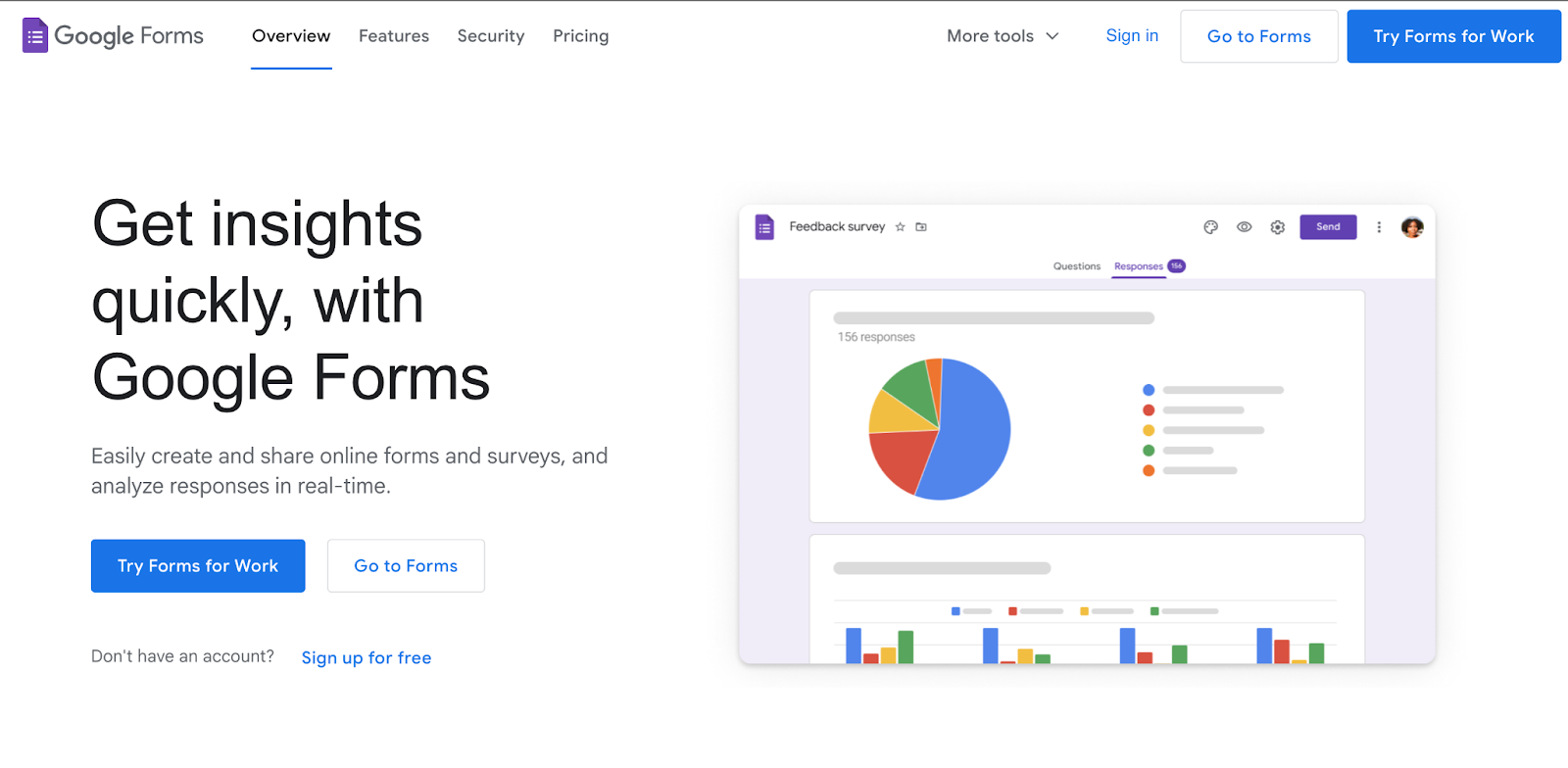
Best for: Small businesses that want a free, familiar tool for simple internal surveys, event registrations, and straightforward customer feedback collection.
Pros: Google Forms is fast to set up, easy to share, and closely tied to Google Sheets, which makes collecting data and collaboration simple. It also supports real-time response summaries and section-based branching, so it's better than many people expect for a first survey or a lightweight online survey workflow.
Cons: Its branding options are limited, the survey design is functional rather than polished, and the logic is not deep enough for more complex survey creation or customer journeys. Once you need stronger reporting, more advanced features, or a more tailored experience, it starts to feel basic.
Key features for small businesses:
- Linked Google Sheets reporting
- Real-time summaries
- Email and embed sharing
- Go-to-section branching based on answers
Typeform
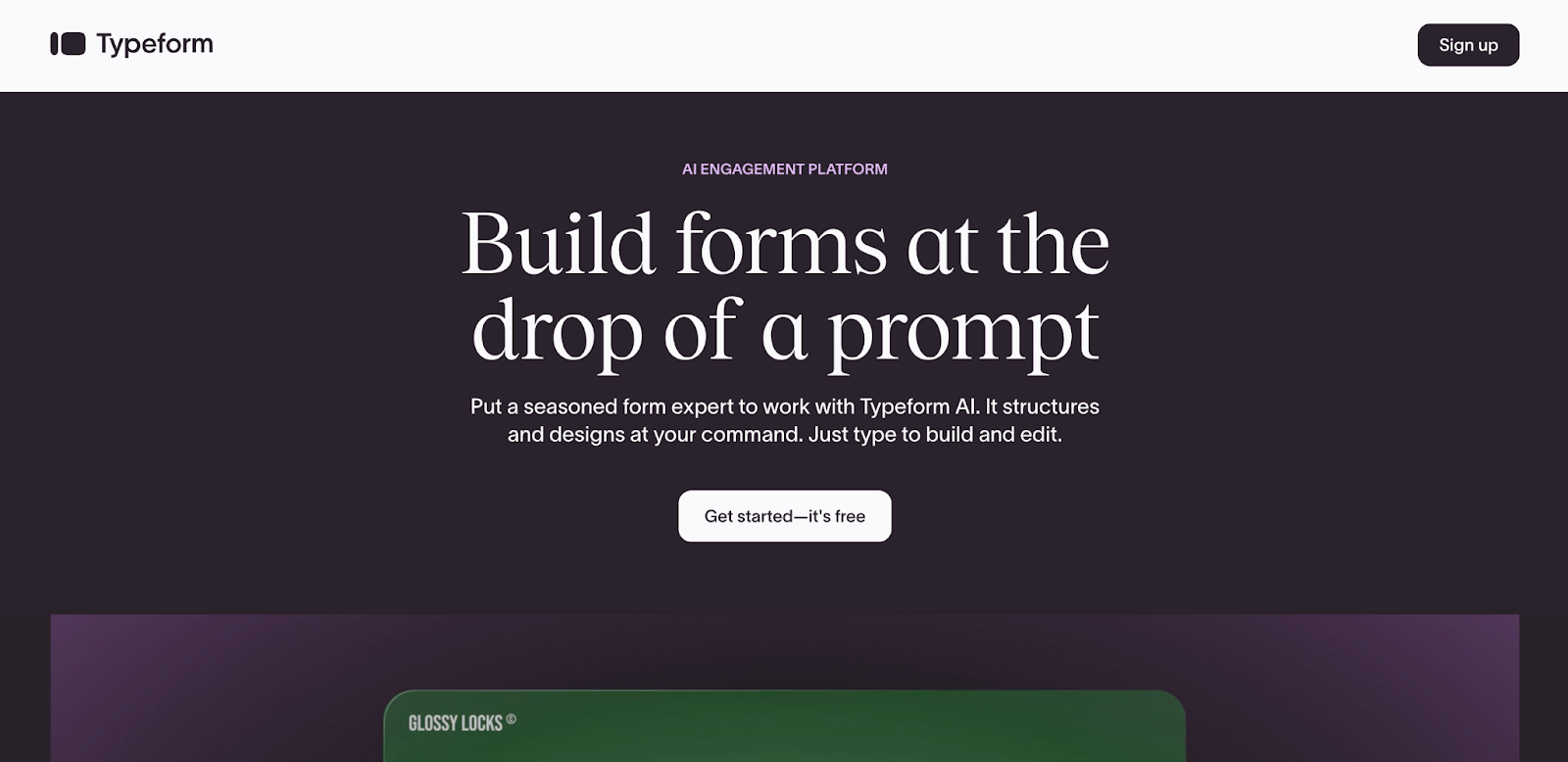
Best for: Small businesses that care about presentation and want a customer-facing survey tool that feels polished, modern, and easy to complete.
Pros: Typeform's one-question-at-a-time experience is still one of the best interfaces in the category. It supports logic, branding, templates, and a more premium feel than most other survey tools, which makes it well-suited to lead capture, onboarding, and feedback forms where completion rates matter.
Cons: The free plan is restrictive at 10 responses per month, and the platform becomes expensive quickly once surveys move from occasional use to a regular business process. It's strong on user experience, but not always the best value if volume matters more than design.
Key features for small businesses:
- Conversational survey design
- Branching logic
- Templates
- Branding controls
- Flexible paid plans for businesses that want a more premium online survey experience
SurveyMonkey
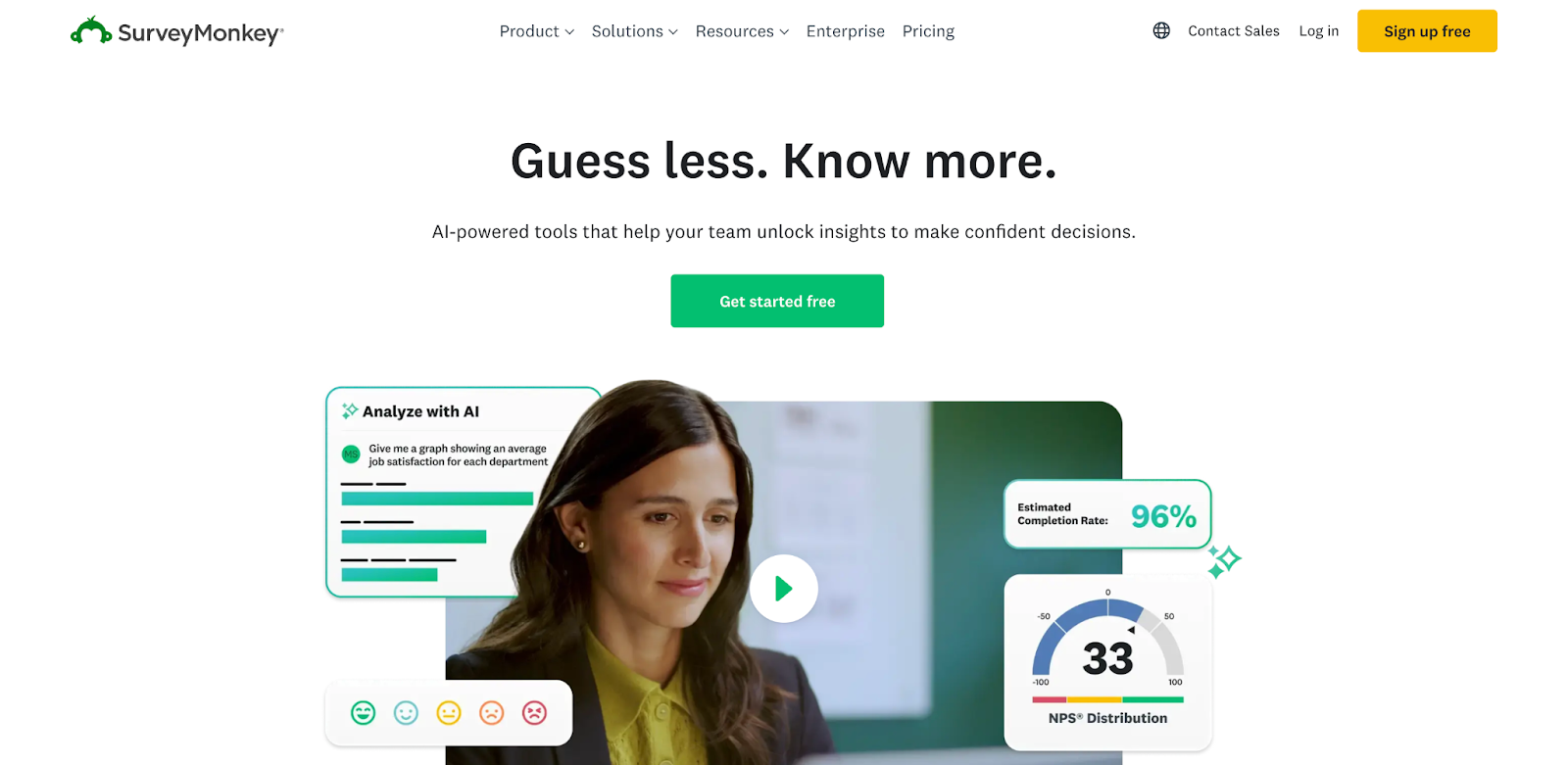
Best for: Teams that want a familiar, scalable platform with a large template library, broad distribution options, and stronger governance than entry-level tools.
Pros: SurveyMonkey remains one of the most established survey platforms on the market. Its strengths are breadth and maturity:
- Unlimited surveys on the free plan
- Strong templates
- AI-assisted creation
- Real-time analysis
All on a platform that most business users already recognise.
Cons: The free tier is quite constrained, with 10 questions and 25 responses per survey, and the jump to more capable paid plans can feel steep for smaller teams. It's dependable, but not the most generous option for budget-conscious small businesses.
Key features for small businesses:
- AI-powered survey creation
- Expert-written questions and templates
- Real-time reporting
- Multiple sharing methods
- Team-friendly controls as you scale
Jotform
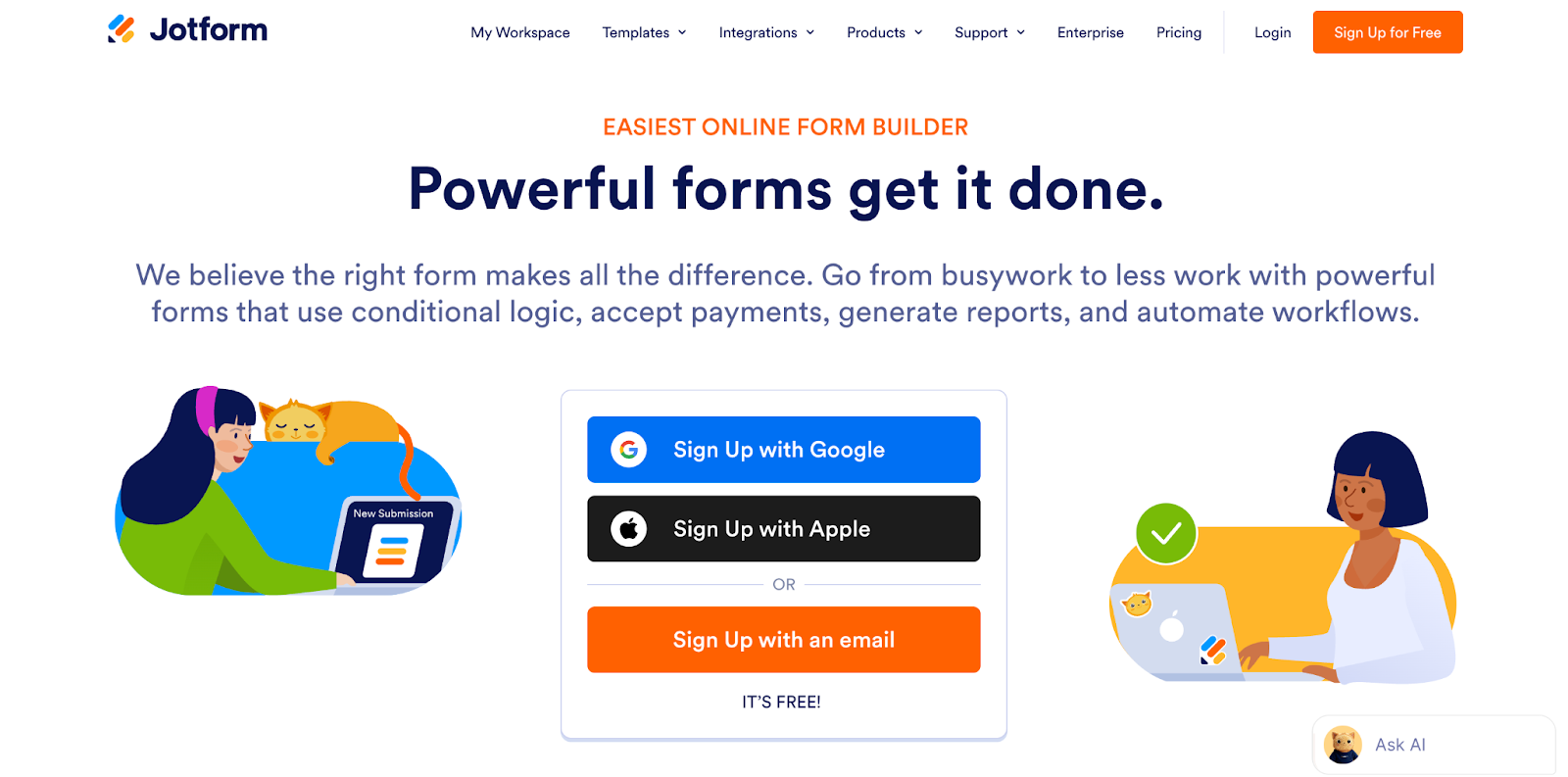
Best for: Small businesses that want forms and surveys in the same platform and expect to use the tool for registrations, intake forms, bookings, and payments – as well as feedback.
Pros: Jotform is flexible, easy to use, and rich in templates. Its Starter plan is still practical for testing or light use, and the builder is well-suited to teams that want a drag-and-drop setup without much training. It is one of the strongest options if you want form builders and survey software to sit in the same workflow.
Cons: It's slightly less focused than a pure survey platform, and its pricing starts to make more sense once you are using it across several processes rather than just for standalone surveys. If deep survey analytics are your priority, other survey tools may feel more purpose-built.
Key features for small businesses:
- Drag-and-drop form creation
- A large template library
- Five active forms and 100 monthly submissions on the free plan
- Broader workflow use beyond traditional surveys
Microsoft Forms
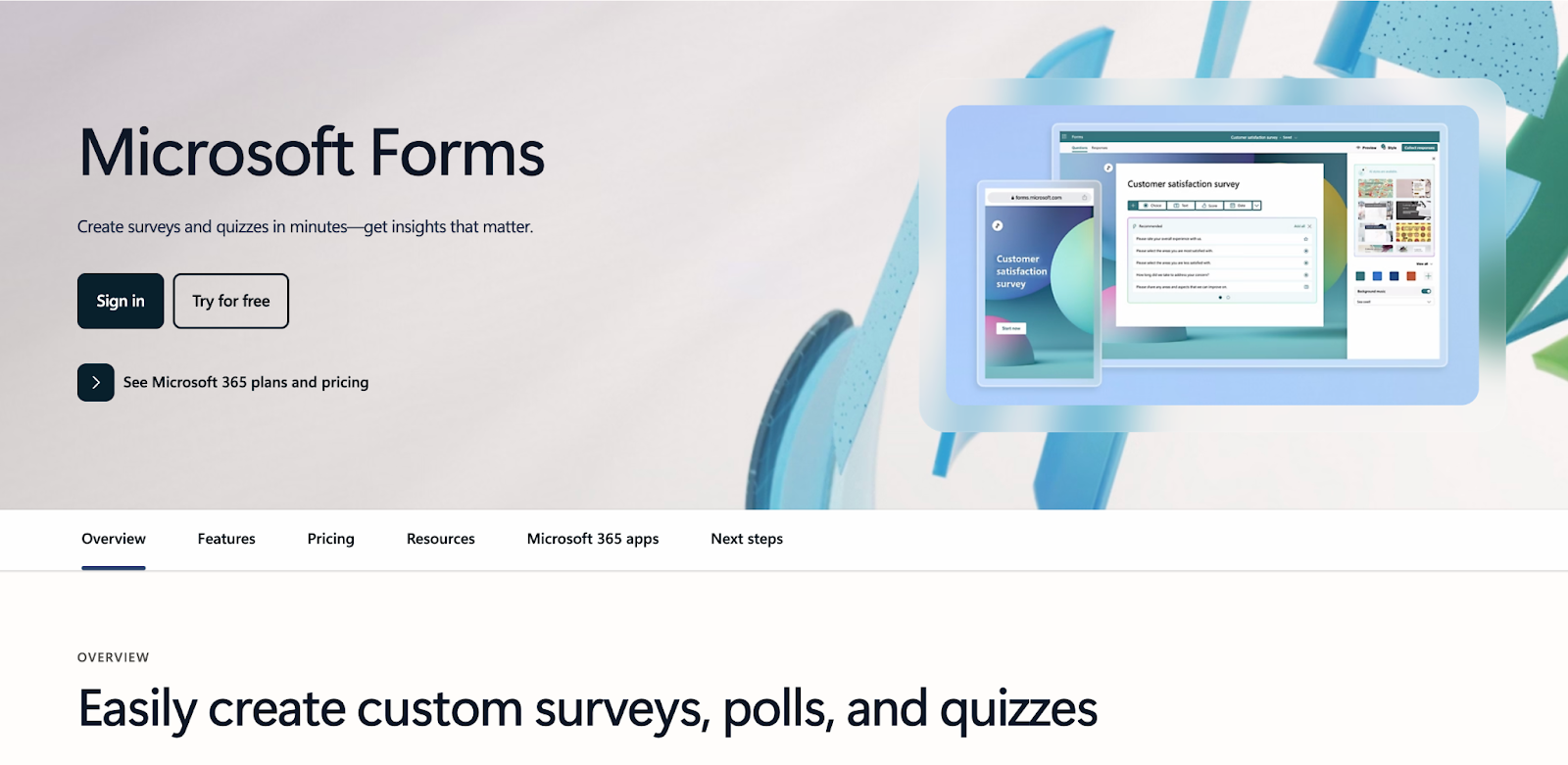
Best for: Businesses already using Microsoft 365 that want a simple survey tool for internal use, quick questionnaires, and no-fuss feedback collection.
Pros: Microsoft Forms is straightforward, included within Microsoft 365 business subscriptions, and tightly connected to Excel and the wider Microsoft stack. It supports branching and gives you real-time response summaries, which makes it a sensible choice for internal forms, training feedback, and lightweight employee or customer surveys.
Cons: Branding is limited, advanced logic is modest, and it starts to show its limits if you want a more polished customer-facing experience or deeper response analysis without exporting into other Microsoft tools.
Key features for small businesses:
- Access is included through Microsoft 365
- Branching logic
- Real-time analytics
- Excel export
Tally
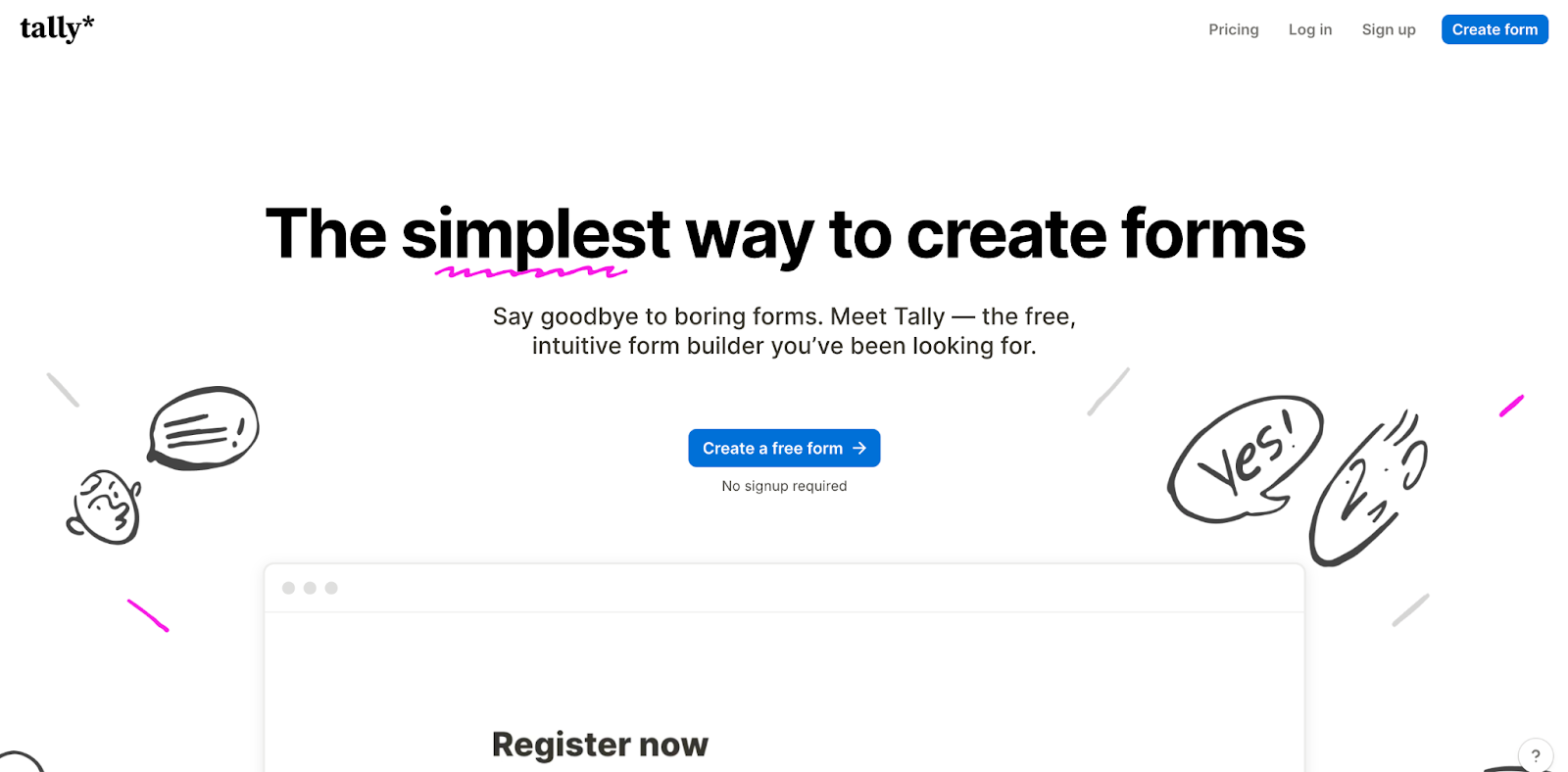
Best for: Solopreneurs and very small businesses that want a clean, modern online survey tool with one of the most generous free plans available.
Pros: Tally's free plan is unusually strong, with unlimited forms and unlimited submissions, alongside conditional logic, file uploads, signatures, and integrations. It's a compelling option for small businesses that want something more polished than Google Forms without stepping straight into paid plans.
Cons: Tally is not as strong on advanced reporting or enterprise-style controls, so businesses with more demanding analytics, governance, or multi-team requirements may outgrow it. It's excellent for simplicity and value, but not the deepest platform in the field.
Key features for small businesses:
- Unlimited forms
- Unlimited submissions
- Conditional logic
- Custom branding
- Integrations with tools such as Airtable, Notion, Google Workspace, and Zapier
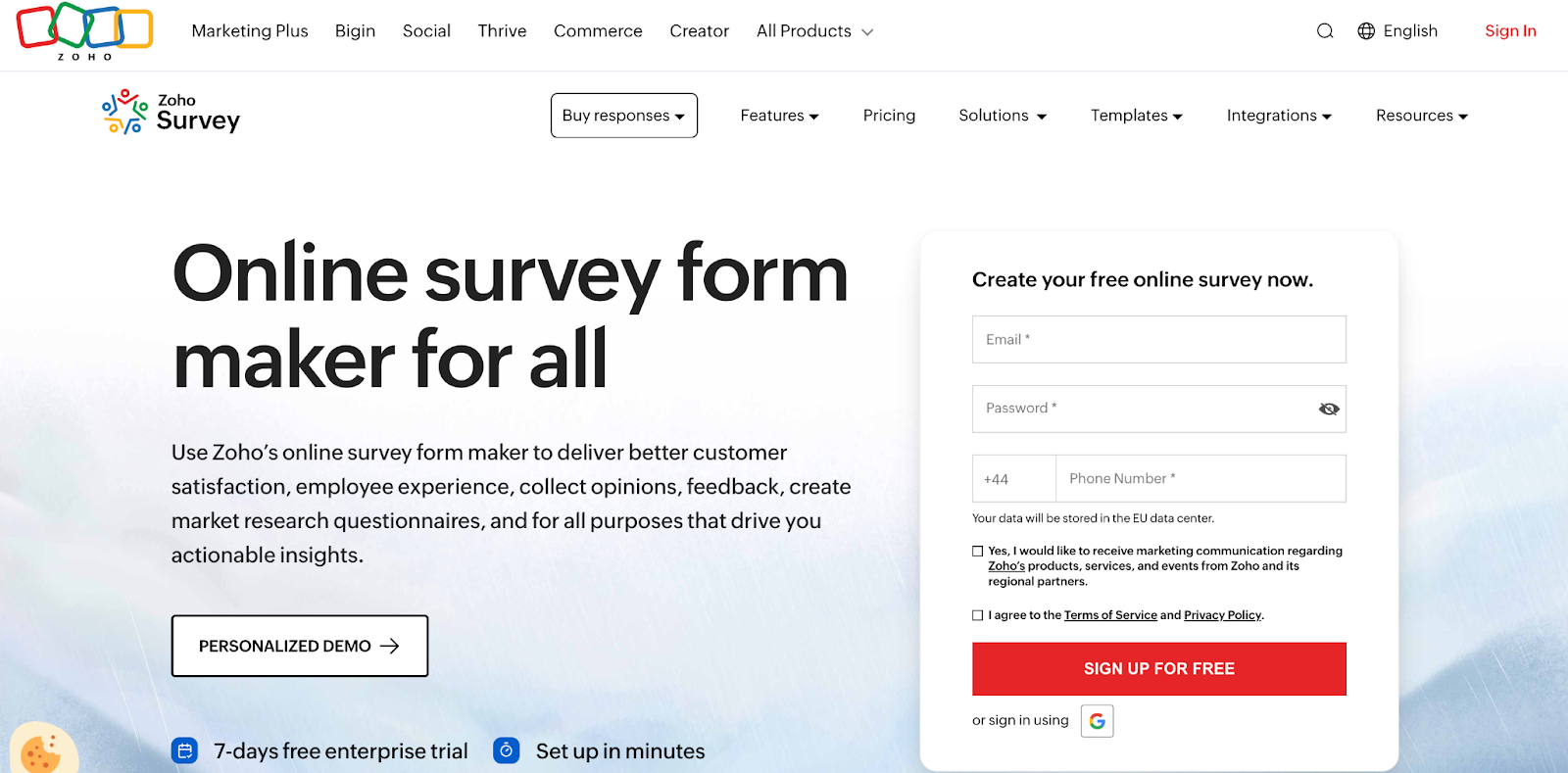
Zoho Survey
Best for: Small businesses already using Zoho CRM or Zoho Desk and wanting survey software that fits naturally into that wider stack.
Pros: Zoho Survey gives small businesses more depth than many entry-level tools, including logic, real-time reporting, branding, and offline surveys. Its free plan is workable, not just symbolic, and it becomes more attractive when survey data needs to move into the rest of the Zoho ecosystem.
Cons: If you're not already in Zoho, the product loses some of its advantage. It's capable on its own, but its biggest strength is how neatly it connects with the rest of the platform rather than having a clearly superior standalone user experience.
Key features for small businesses:
- Ten questions and 100 responses per survey on the free plan
- Branching logic
- Real-time reports
- Offline response collection
- Strong integration with Zoho business apps
Free vs. paid survey software
Once you compare the tools side by side, the real question is not whether free survey software is good or bad. It is whether it is good enough for your situation.
For occasional, low-volume surveys, the answer is often yes, free software hits the mark. Google Forms, Microsoft Forms, and Tally can all work well when you are running a simple feedback form, a quick registration survey, or a small customer check-in and do not need advanced branding or reporting.
The frustration starts when surveys become part of a core process, which is usually when you begin to notice response caps, limited question logic, weaker analytics, or the inability to present a survey in your own visual style. Paid plans start to look like a more attractive option when you're collecting data regularly, need surveys to look like an extension of your brand, want better data analysis tools, or need survey data to flow into other systems automatically.
Security can be the tipping point, too. If you're handling employee feedback, sensitive client data, or anything that raises governance concerns, it is worth paying for a platform designed for that level of responsibility.
The right choice is not about prestige. It is about how much friction you can afford in the feedback process.
How to choose the right tool
The easiest way to choose is to match the tool to the role surveys will play in your business.
If you're sending one-off customer satisfaction surveys to a small list, a free plan is probably enough. If you want a polished customer-facing experience, Typeform or Tally may be a better fit. If you are already embedded in Google, Microsoft, or Zoho, it often makes sense to start with the tool that integrates seamlessly with the rest of your stack.
The decision changes when surveys move closer to business-critical workflows. If you need branded surveys, ongoing feedback programs, stronger reporting, better collaboration, or tighter control over privacy and hosting, a more capable platform becomes worth the spend. Tools such as SurveyMonkey, Zoho Survey, and especially Checkbox start to separate themselves from lighter options.
Test your shortlist by building the same quick survey in two or three tools. Check how easy it is to create, distribute, collect responses, and analyze the results. The best survey software for small business owners is usually the one that removes the most friction from that full cycle, not just the one with the longest feature list.
Final thoughts
Small businesses that consistently gather feedback and do something useful with it tend to make better decisions, faster. The right survey software makes that process easier by helping you create surveys quickly, collect responses through the channels your audience already uses, and turn survey data into action before it goes stale.
For some teams, a free plan will be enough. For others, the best online survey software for small businesses will be the platform that supports branded surveys, stronger logic, better reporting, and more reliable integrations as the business grows.
The best choice is rarely the flashiest one. It's the one that fits how your business actually works now, and still makes sense six months from now.
If you want a tool that can start simple and stay useful as your needs become more serious, try Checkbox. It gives small businesses advanced survey software, strong branding and security controls, and a clear path from feedback to decision-making. Request a demo of Checkbox today.


Contact us
Fill out this form and our team will respond to connect.
If you are a current Checkbox customer in need of support, please email us at support@checkbox.com for assistance.
